

Camera compatibility
Works with the cameras you already have.
Visrax connects to standard IP camera streams. Compatibility is about how your cameras connect and what they can see — not which brand is on the label.
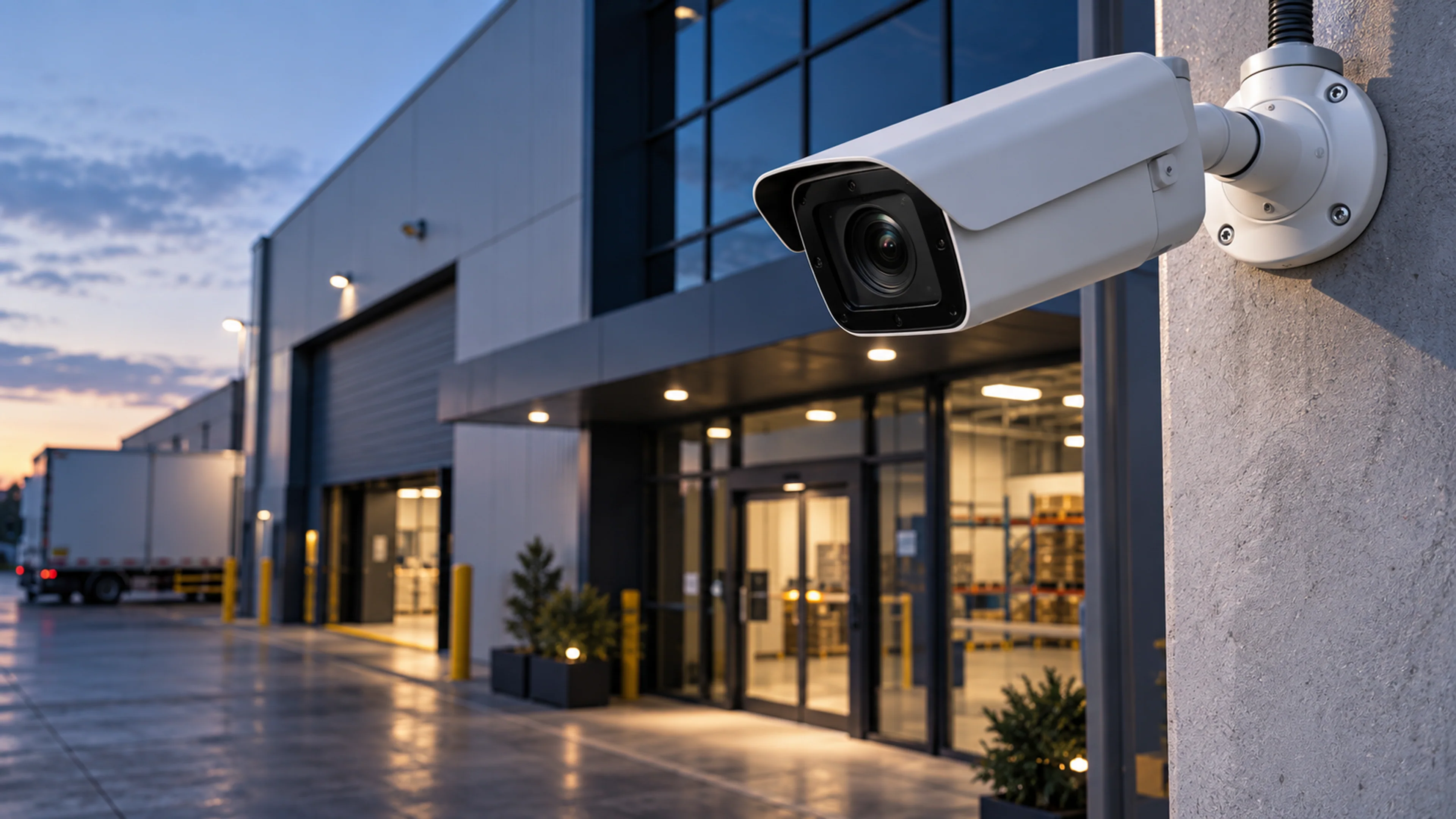
What your cameras need
Four things, and most sites already have them.
Compatibility is based on how your cameras connect, not which brand they are. In most deployments the cameras simply need to:
- IP camera or encoder that exposes an RTSP stream
- Network reachability between camera and the Visrax deployment
- Standard protocols such as RTSP or ONVIF
- Stable power and network connection for continuous capture
Connection paths
How different camera estates connect.
| Source | How it connects | Note |
|---|---|---|
| IP cameras | Connect directly over RTSP. ONVIF discovery helps find and configure cameras on the network. | Most installs from the last decade |
| NVR / DVR systems | Connect to the recorder’s per-channel RTSP streams, so analogue or legacy cameras can be included without touching them. | Check the recorder exposes streams |
| Encoders | Analogue cameras behind an encoder are connected through the encoder’s IP stream. | One stream per channel |
| Existing VMS | Where your VMS re-streams or exposes camera feeds, Visrax connects alongside it. Recording stays where it is. | VMS-specific; reviewed during setup |
Placement matters more than brand
What makes a camera view work well.
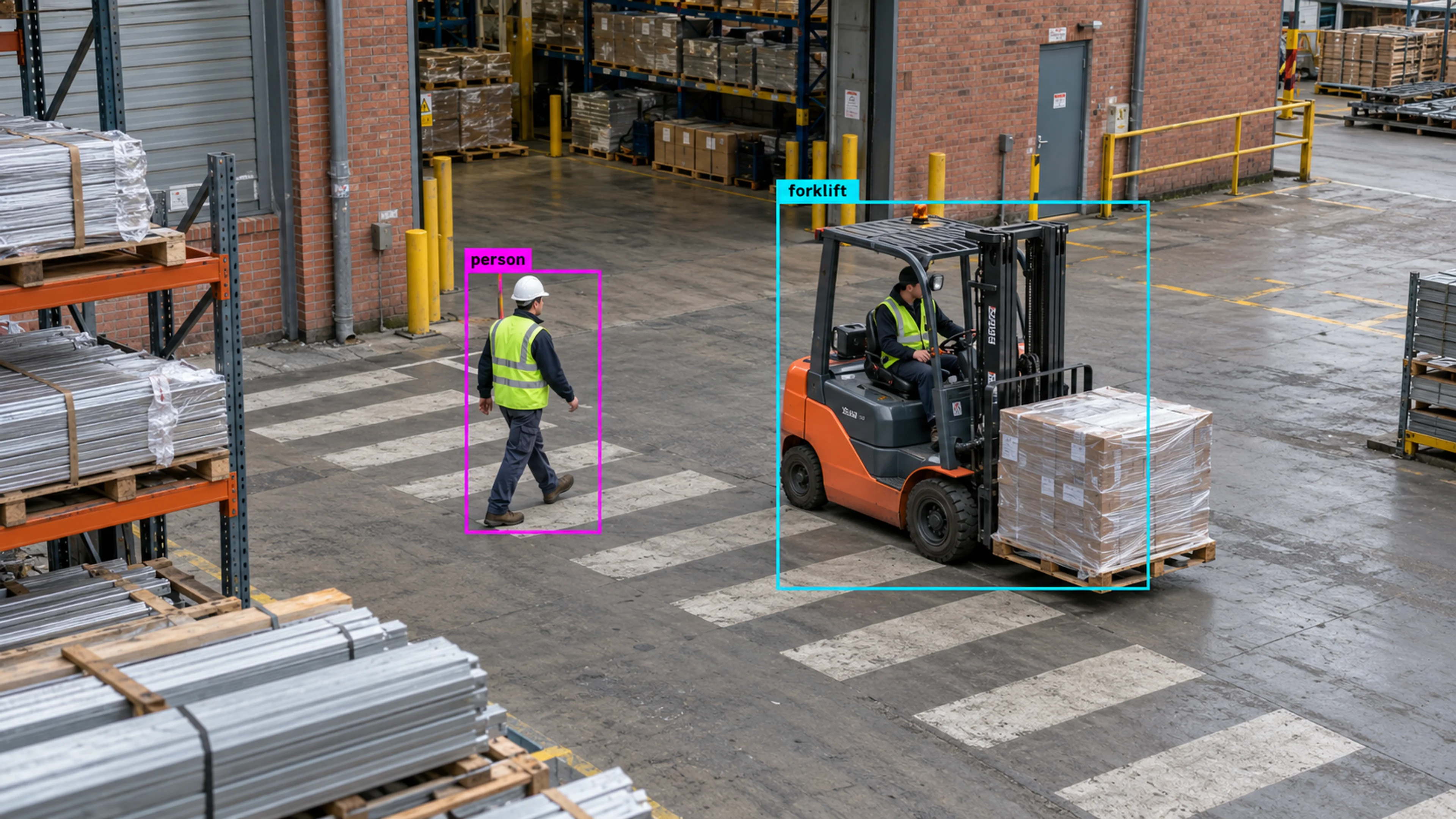
During the site walkthrough we review every camera that will carry rules. These are the things we look at.
- 01
View the right area
The zone you want to monitor should sit in the middle two-thirds of the frame, not at the edge.
- 02
Enough pixels on the subject
People and vehicles need to be a sensible size in frame. A wide yard camera may need a second, closer view for a specific gate.
- 03
Lighting and exposure
Backlit entrances and heavy glare reduce detection quality. Exposure settings are reviewed during setup.
- 04
Stable mounting
A camera that moves in wind or vibration shifts its zones. Fixed mounts keep rules accurate.
Questions
Compatibility questions
01Do I need new cameras to use Visrax?
02What camera brands does Visrax work with?
03Does Visrax work with analog or older CCTV systems?
04What resolution and frame rate are needed?
05How do I confirm my cameras are compatible?
Check your cameras
Not sure? Send us what you have.
Share your camera makes, stream types and network setup and the Visrax team will confirm compatibility before any deployment work starts.