

01
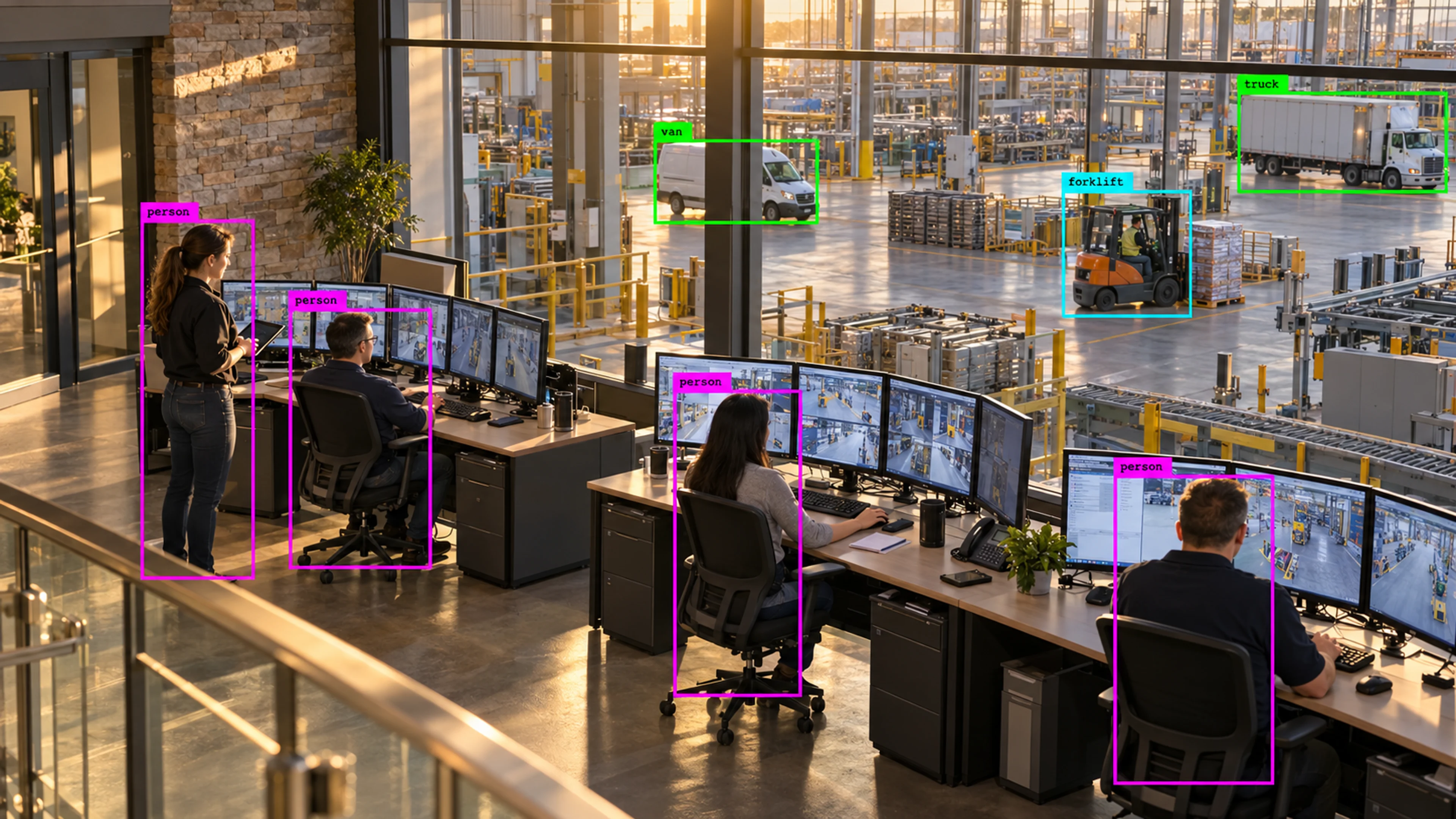
A shift supervisor starts the morning
The workspace opens on the production floor cameras with overnight alerts listed by severity. Two restricted-zone entries are reviewed and closed in minutes, with the clips attached to each case.
Platform
See your cameras, active alerts, and site status in one simple workspace — without staring at dozens of screens all day.
Live Monitoring
Illustrative environment · Multi-site operations
Overview
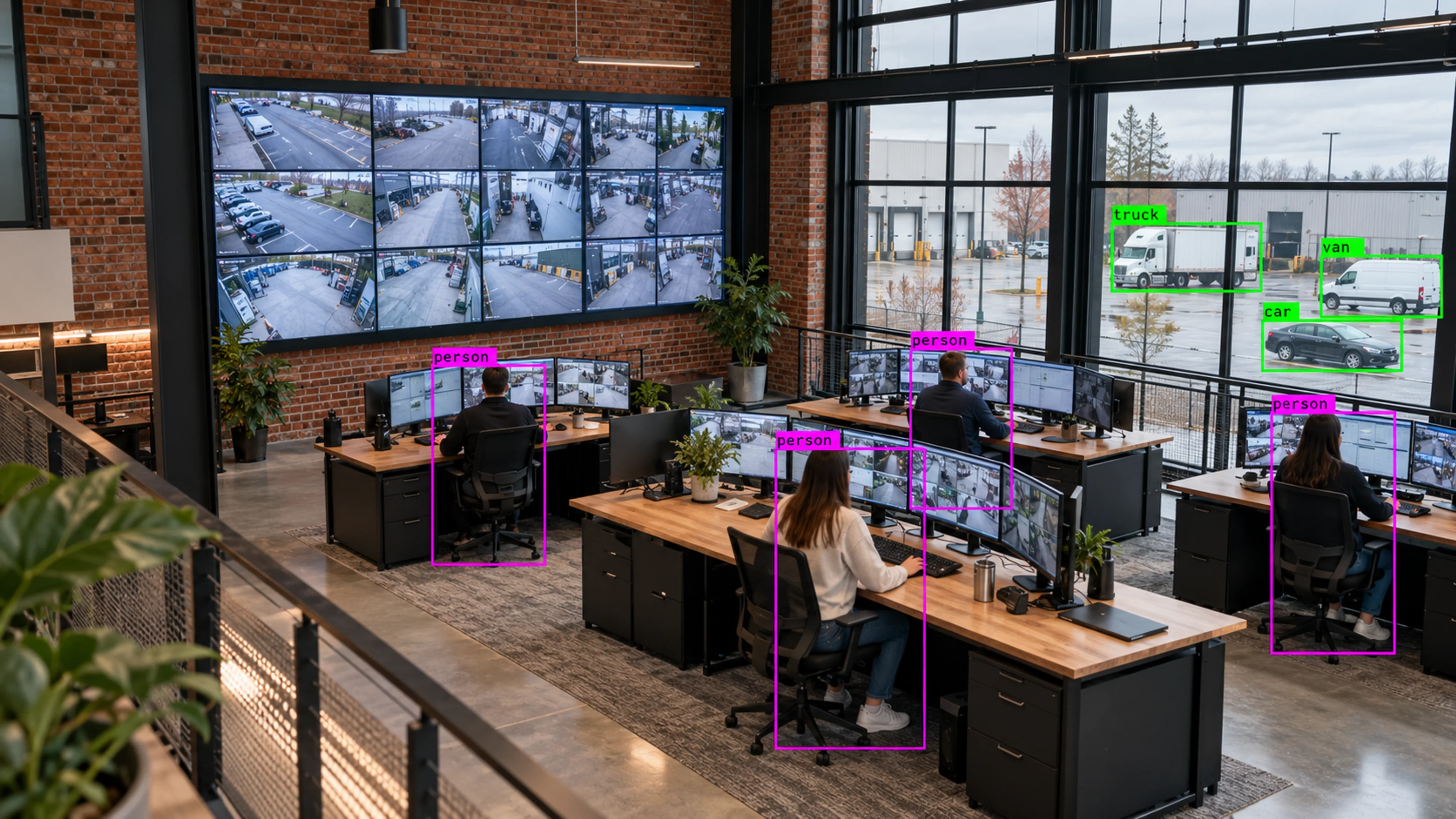
Live Monitoring is the workspace your team opens every day. It brings camera views, the current alert list and the health of each site into one screen, so the question “what is happening right now?” has a single answer instead of a dozen tabs.
Rather than asking people to watch feeds continuously, the workspace is organised around attention: cameras with active events rise to the top, quiet cameras stay out of the way, and every alert links back to the exact view and moment that produced it.
One screen for every camera, every alert and every site — built around what needs attention, not how many feeds you own.
What it does
Each part is configured around your cameras, zones and schedules — the same system, set up for the way your site runs.
Arrange cameras by site, area or event state. Views with live alerts are surfaced first so operators are never scanning a static grid.
Every detection that matches a rule appears as an alert with its camera, zone, time and severity, and can be opened straight into the evidence.
See at a glance which cameras are online, which are degraded and which sites have unresolved issues, before a missing feed becomes a missing incident.
Filter the workspace by site, zone, event type or team so a plant manager and a security lead each see the slice that matters to them.
In practice
The workspace opens on the production floor cameras with overnight alerts listed by severity. Two restricted-zone entries are reviewed and closed in minutes, with the clips attached to each case.
The site card changes state and an alert is raised for the facilities team. The gap is visible immediately rather than discovered during a later investigation.
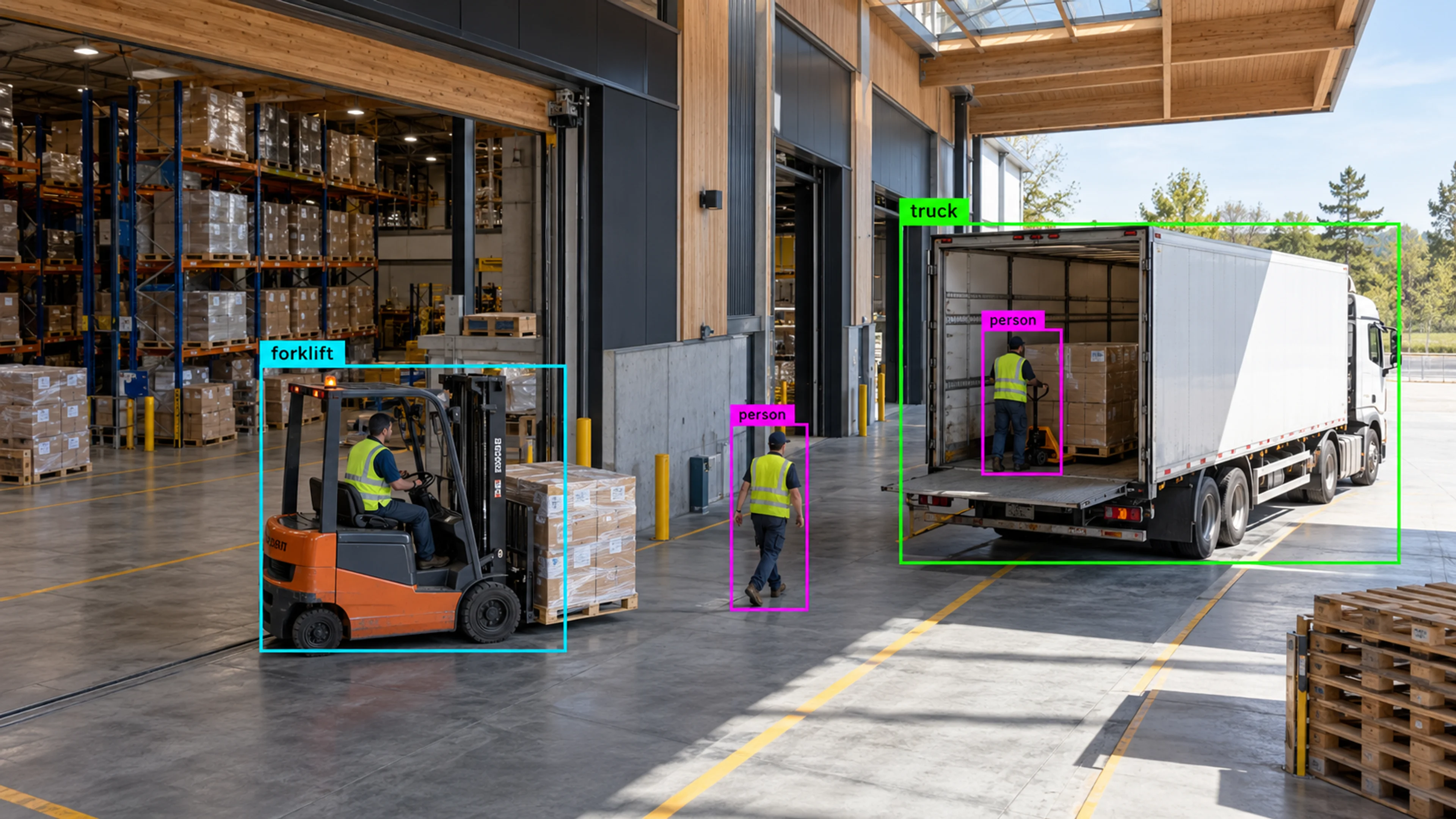
An after-hours detection in a loading area is opened from the alert list. The operator sees the live view, the triggering frame and the path of movement, and escalates with one assignment.
Questions
Straight answers about how this is configured, what it needs and what it does not do.
Next step
Tell us about your sites and what you need to catch. We will walk through a setup that fits the way your operation runs.