
01
Restricted entry during production
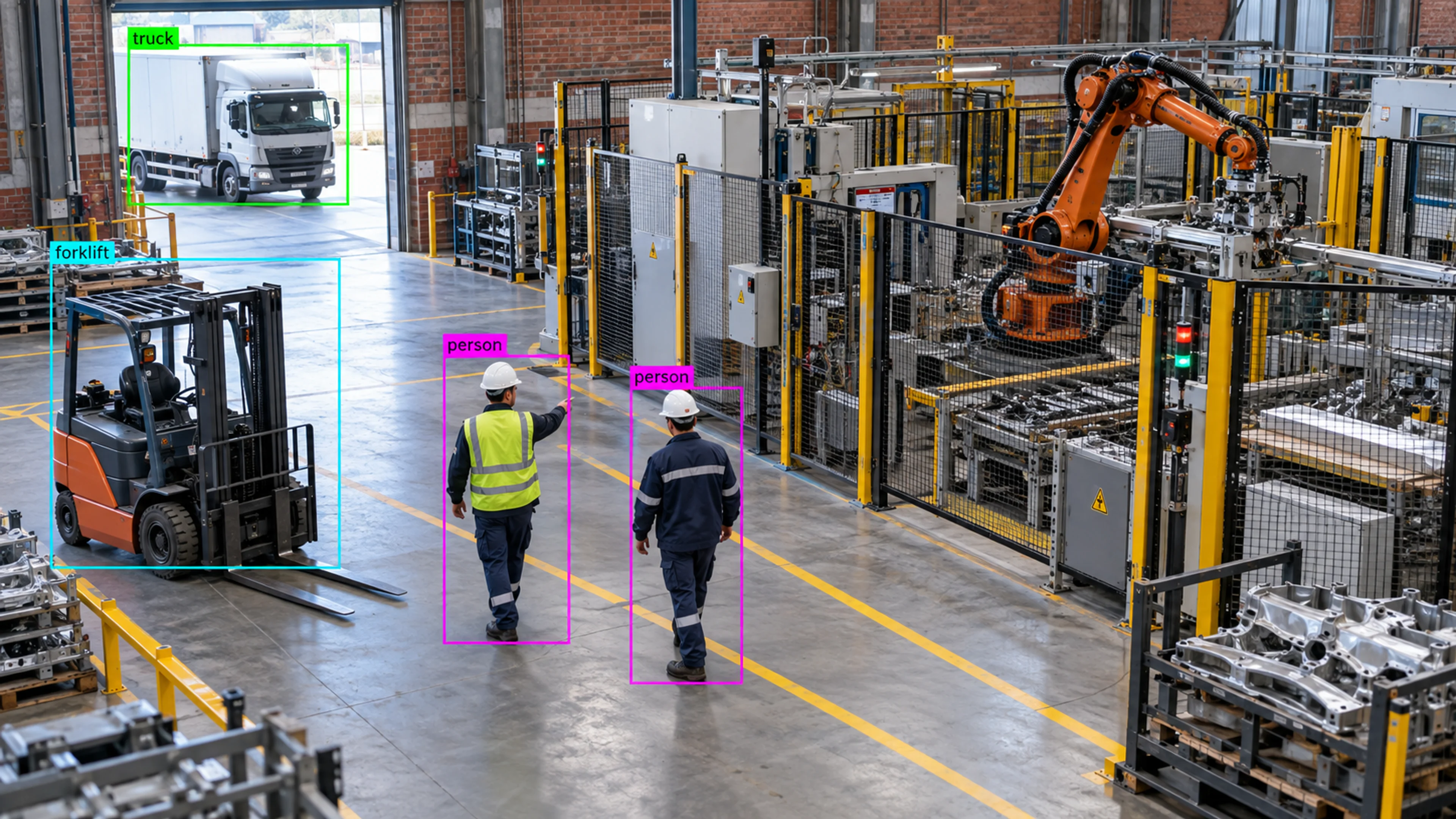
A zone around a robotic cell is marked restricted while the line runs. An entry triggers a high-severity alert to the line supervisor with the clip attached.
Capability
Define restricted, hazardous, sensitive, or operational zones and monitor activity inside them.
Zone Monitoring
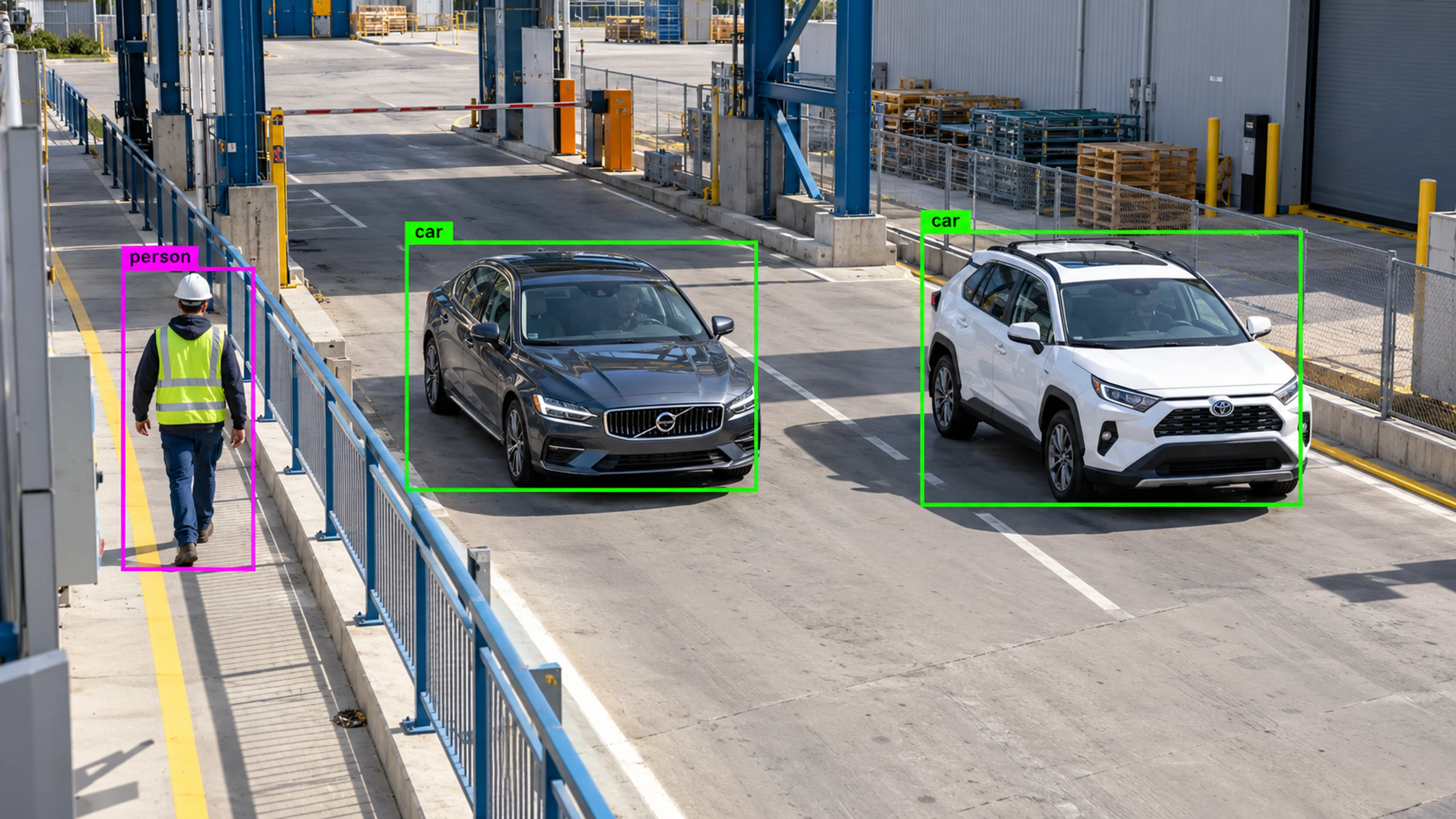
Illustrative environment · Vehicle & access monitoring
Overview
Zone Monitoring lets you draw the areas that matter directly on each camera view — restricted rooms, hazard zones around machinery, sensitive spaces, loading bays, pedestrian walkways — and attach rules to them.
Zones are what give detections meaning. The same person detection is routine in a corridor and an event in a switch room; the zone and its schedule make the difference.
Draw the line where the risk starts. Visrax watches that line so your people do not have to.
What it does
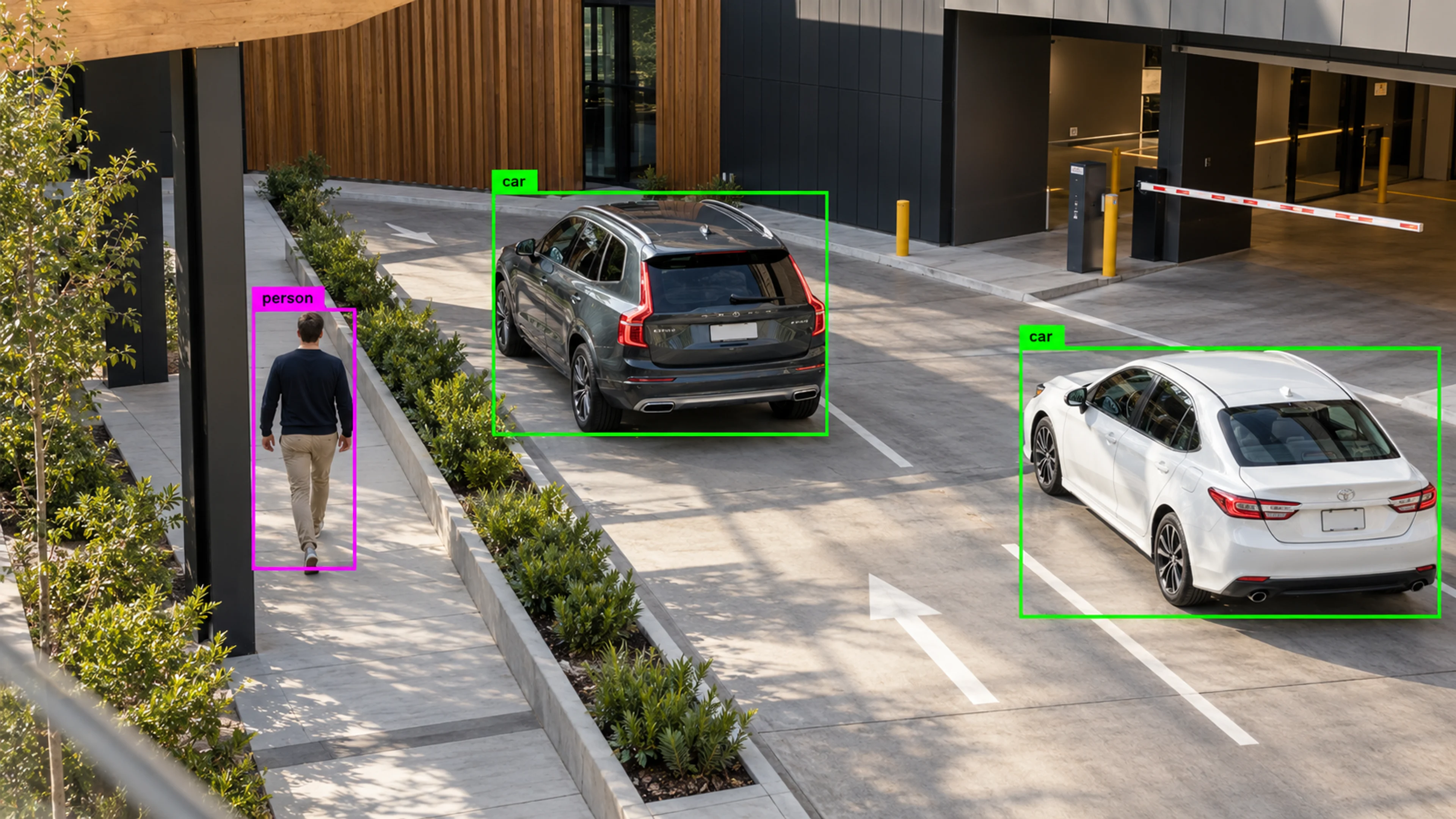
Each part is configured around your cameras, zones and schedules — the same system, set up for the way your site runs.
Mark areas that should be empty or limited to authorised activity during defined hours, and alert on entry.
Define exclusion zones around machinery, vehicle routes or drops, with rules for presence, dwell time and PPE.
Monitor server rooms, pharmacies, cash handling areas or records rooms for entry outside expected patterns.
Use zones for loading bays, queue areas and storage rows to measure activity and flag congestion or blockages.
In practice
A zone around a robotic cell is marked restricted while the line runs. An entry triggers a high-severity alert to the line supervisor with the clip attached.
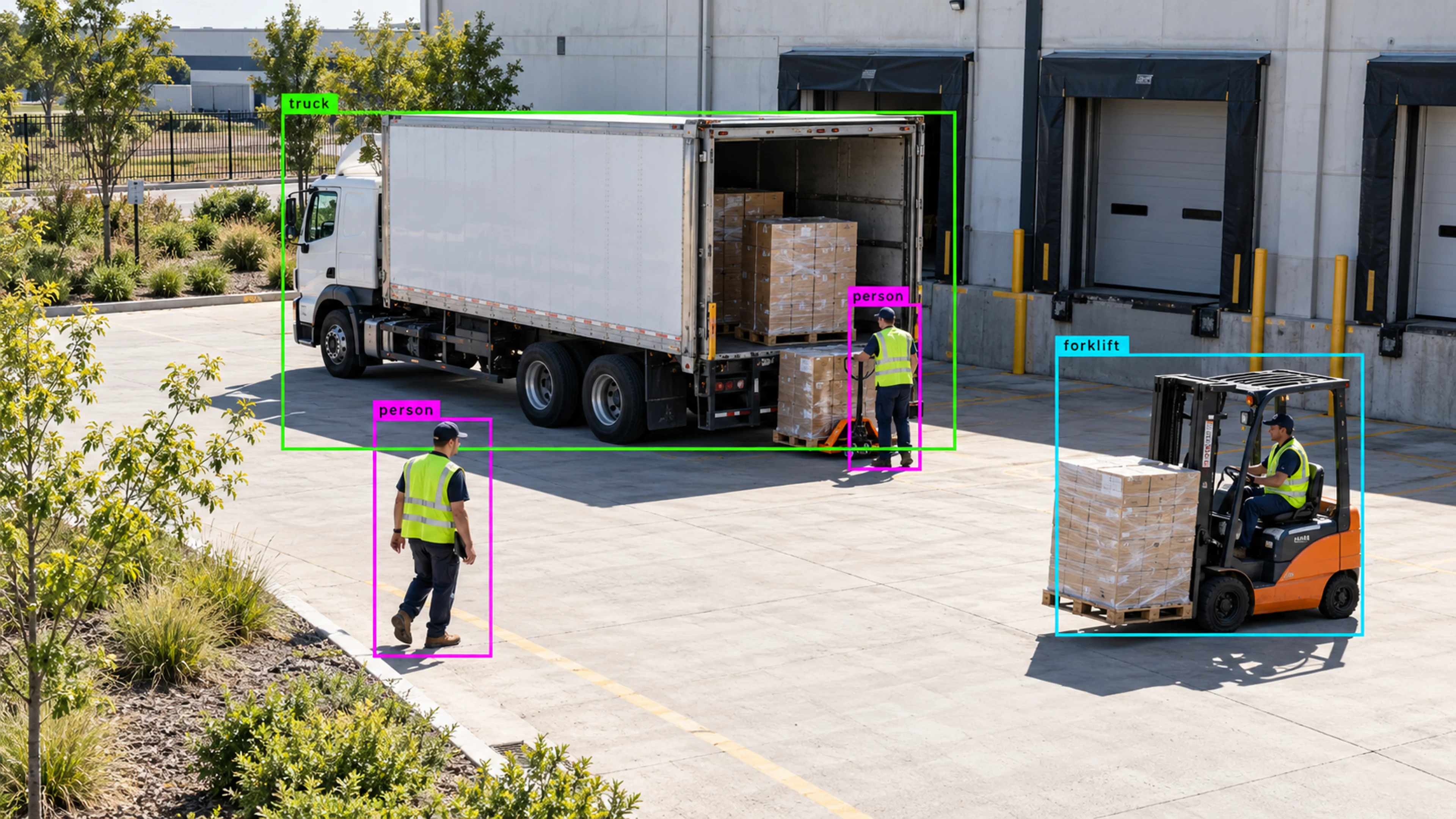
A loading bay zone counts vehicle and forklift presence by hour. Congestion alerts fire when dwell time exceeds the threshold during peak dispatch.
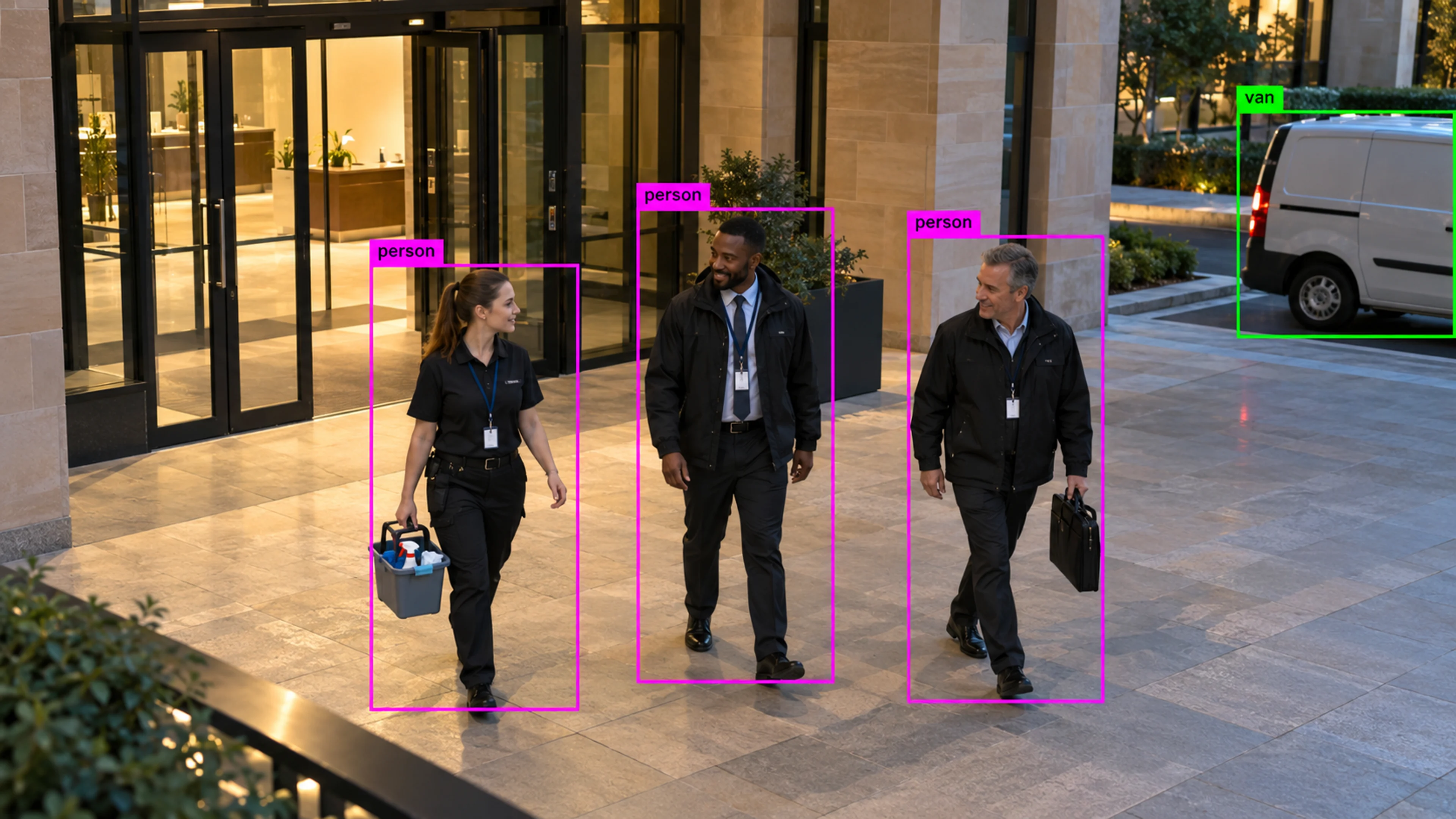
A records room zone is monitored outside office hours. An entry is logged, reviewed the next morning and closed as scheduled cleaning, with the schedule updated.
Questions
Straight answers about how this is configured, what it needs and what it does not do.
Next step
Tell us about your sites and what you need to catch. We will walk through a setup that fits the way your operation runs.