

01
An object appears in a restricted space
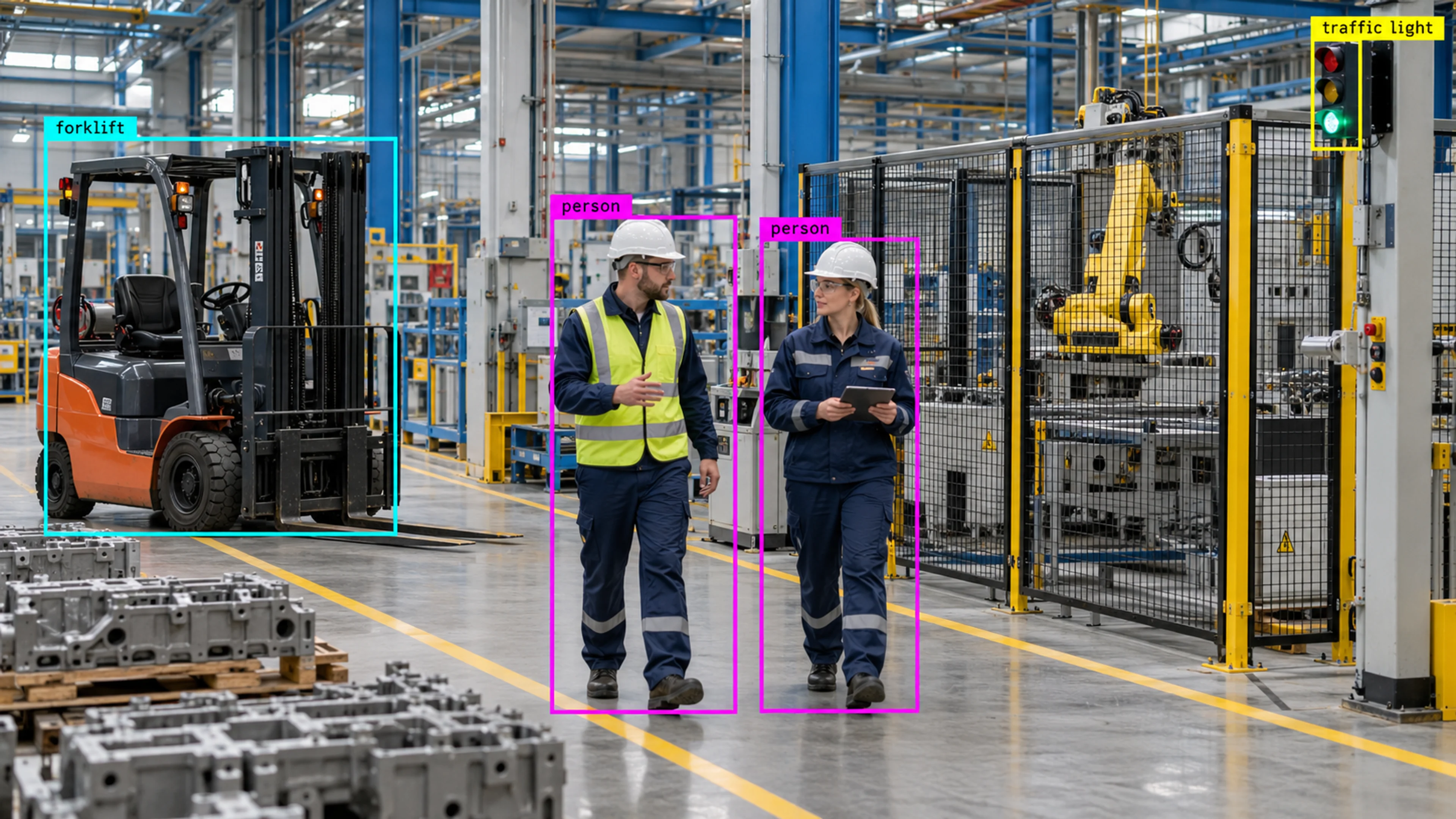
A person is detected inside a fenced equipment area during a maintenance window. The detection is checked against the zone rule and an alert is raised with the frame attached.
Capability
See people, vehicles, equipment, and safety gear in real time — in the areas you choose to monitor.
Object Detection
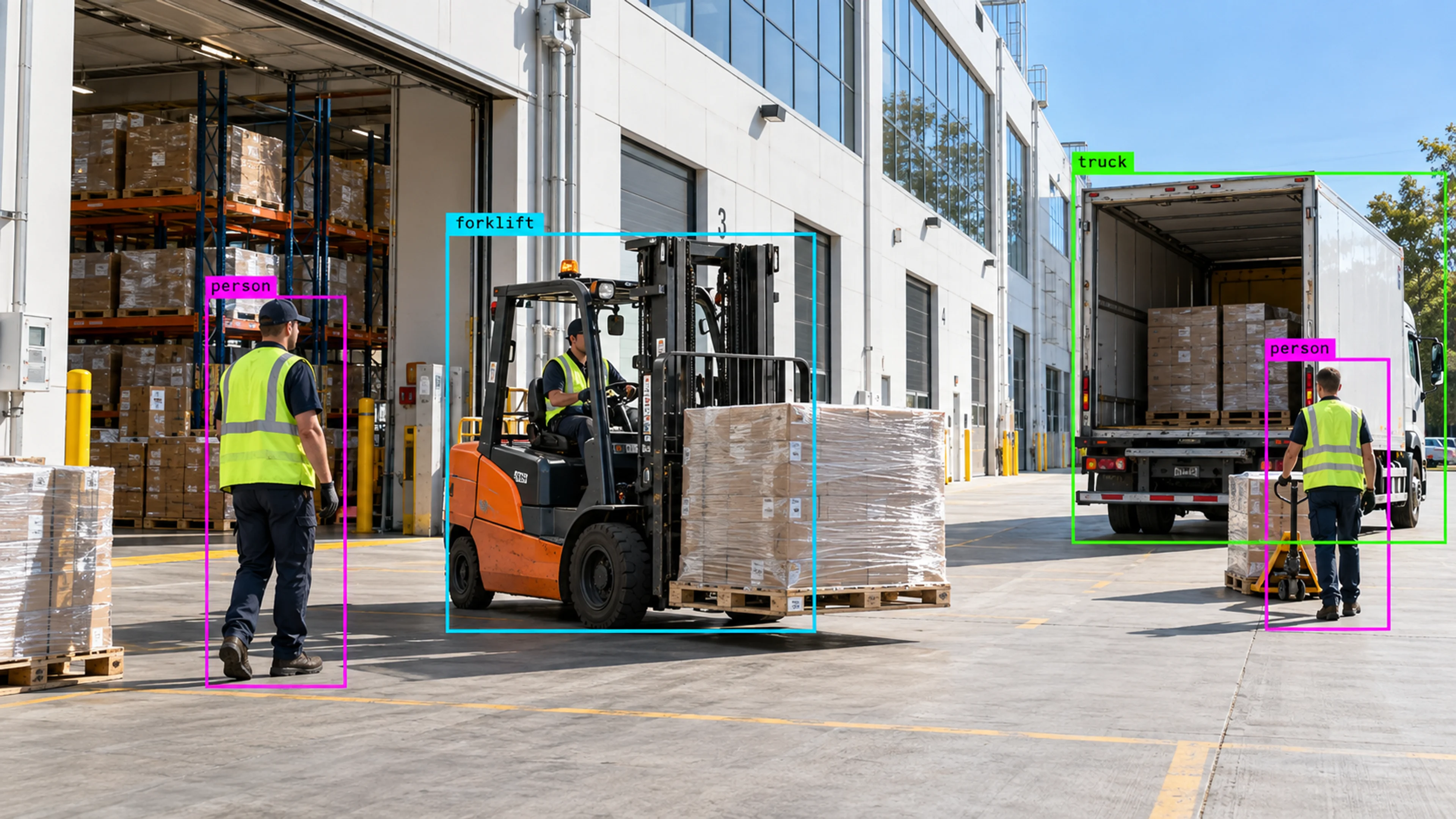
Illustrative environment · Warehousing & logistics
Overview
Object Detection is the first thing Visrax does with a camera feed: identify what is in view. People, vehicles, equipment and safety gear are recognised as distinct classes, each with a position in the frame that can be checked against your zones and rules.
Detection is configured per camera. A reception camera might only need people; a yard camera needs vehicles and forklifts; a production camera needs people plus PPE. Enabling only what matters keeps alerts relevant.
Everything in Visrax starts with a reliable answer to one question: what is in this camera view right now?
What it does
Each part is configured around your cameras, zones and schedules — the same system, set up for the way your site runs.
Core classes for people and vehicle types, suitable for entrances, yards, roads, parking and loading areas.
Forklifts, pallets, carts and other site equipment can be enabled where movement of equipment is itself the thing to monitor.
Detect safety gear such as high-visibility vests and helmets in the zones where it is required, as an input to safety rules.
Enable and tune classes for each view so detection reflects the environment rather than a one-size-fits-all model.
In practice
A person is detected inside a fenced equipment area during a maintenance window. The detection is checked against the zone rule and an alert is raised with the frame attached.
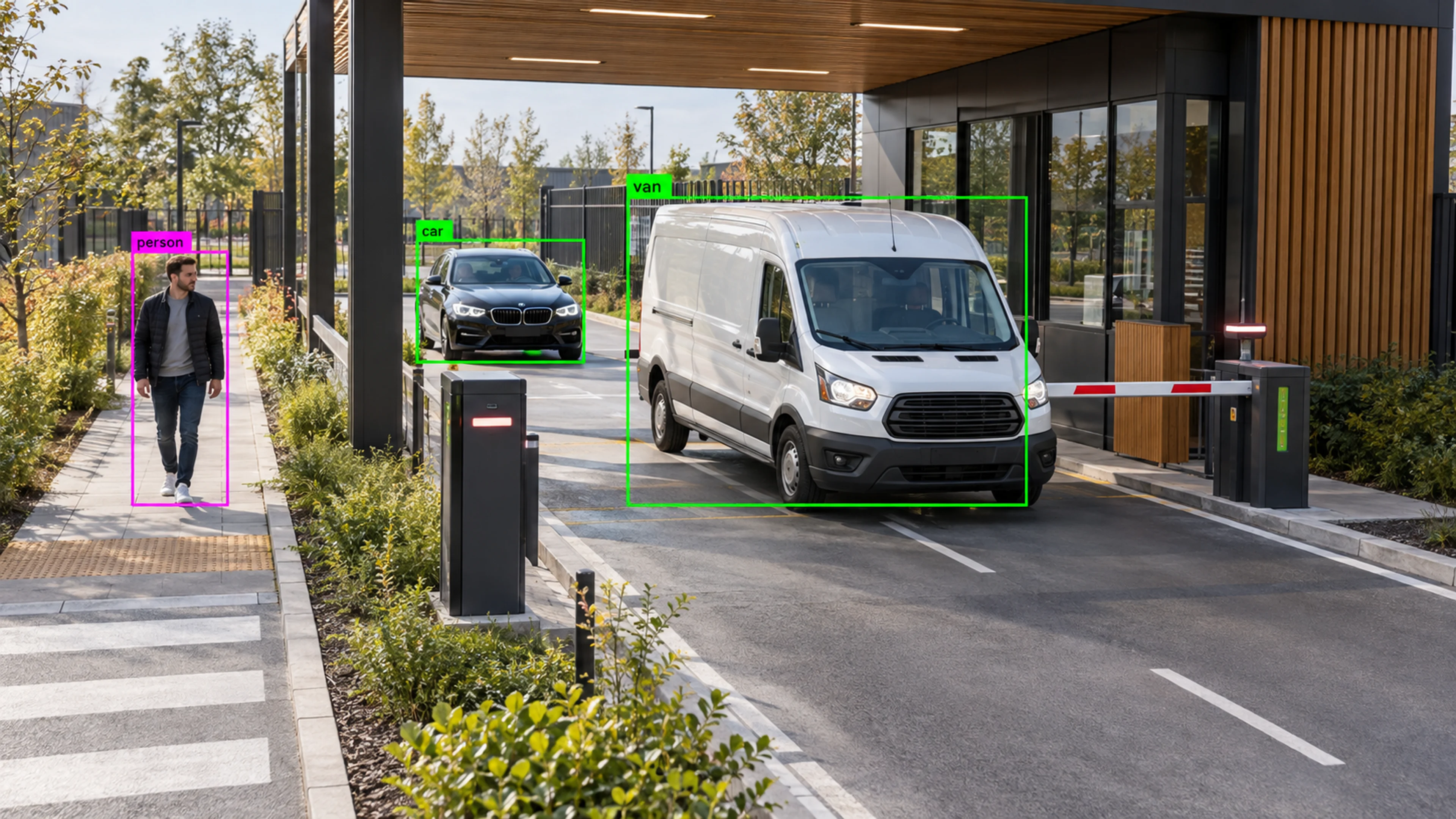
A van enters the frame of the gate camera and is logged with its class and time. The event contributes to the entrance flow counts in analytics.
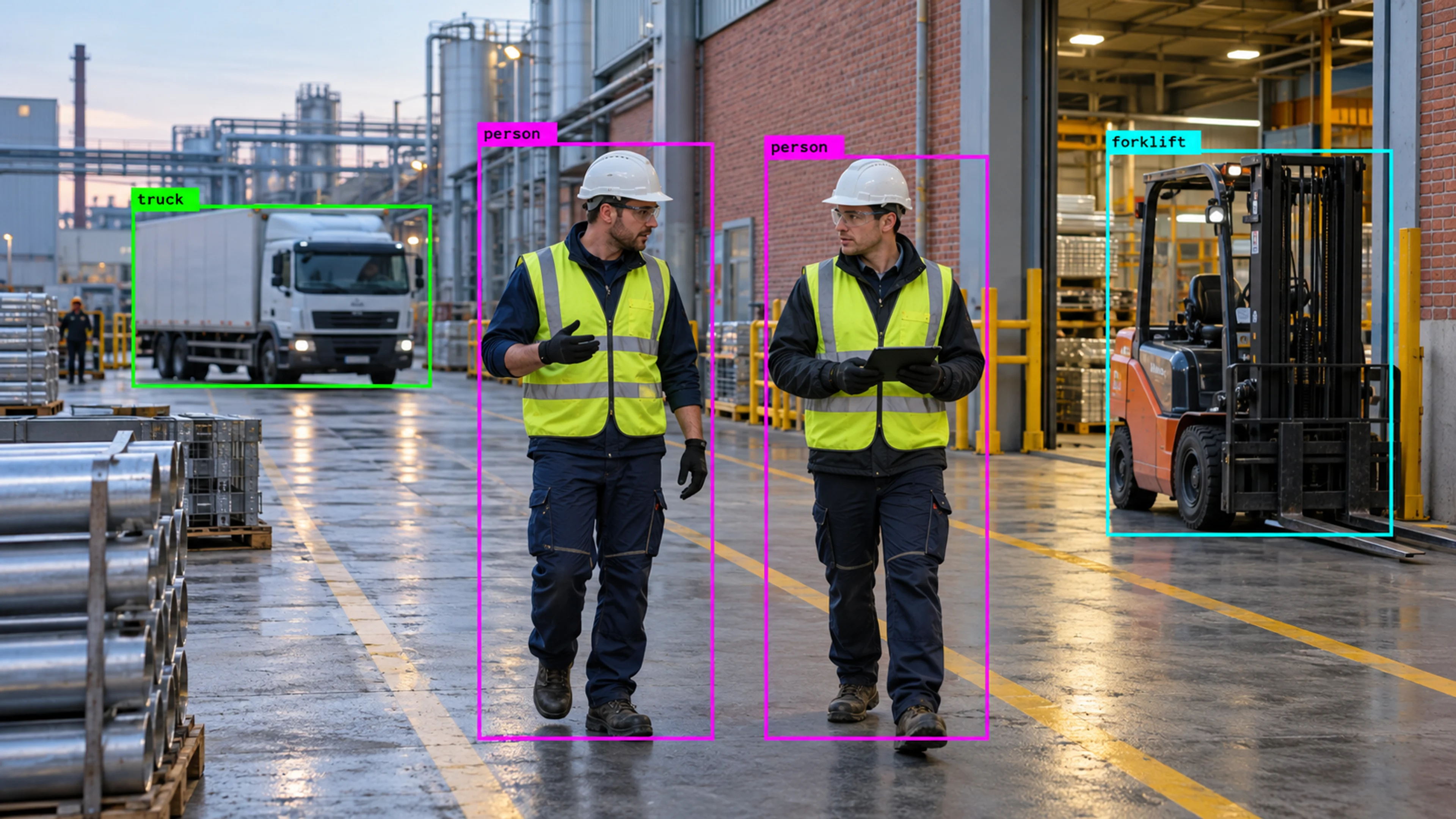
People in a marked zone are detected together with vest and helmet presence. Where PPE is missing, a safety alert is created for the supervisor.
Questions
Straight answers about how this is configured, what it needs and what it does not do.
Next step
Tell us about your sites and what you need to catch. We will walk through a setup that fits the way your operation runs.