

01
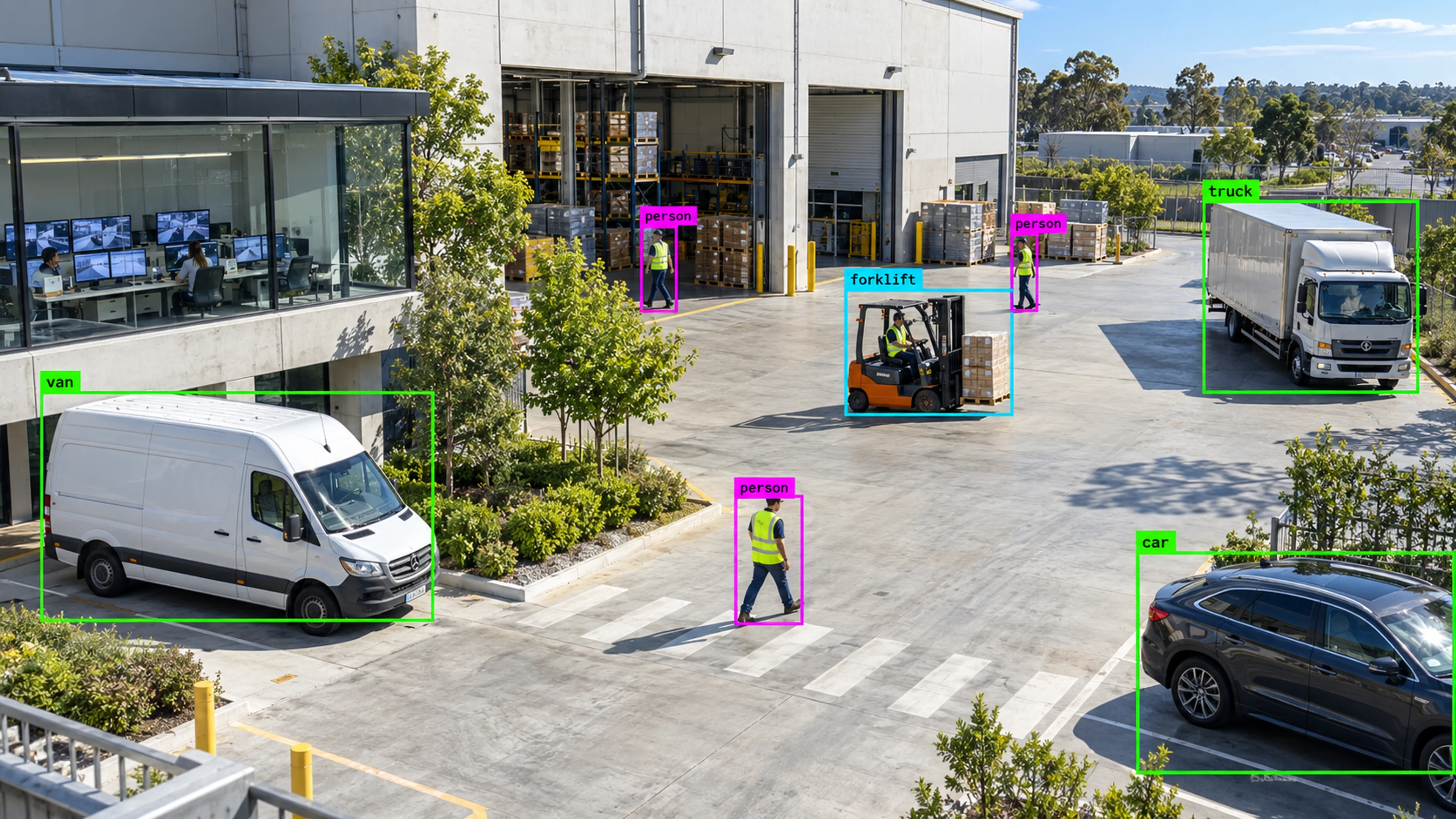
A regional operations lead starts the day
The region view shows two sites with open high-severity incidents and one with three cameras offline. Each is a click away, and the rest of the estate is confirmed quiet.
Platform
Monitor offices, factories, warehouses, shops, parking areas, and remote sites from one place.
Multi-Site Monitoring
Illustrative environment · Multi-site operations
Overview
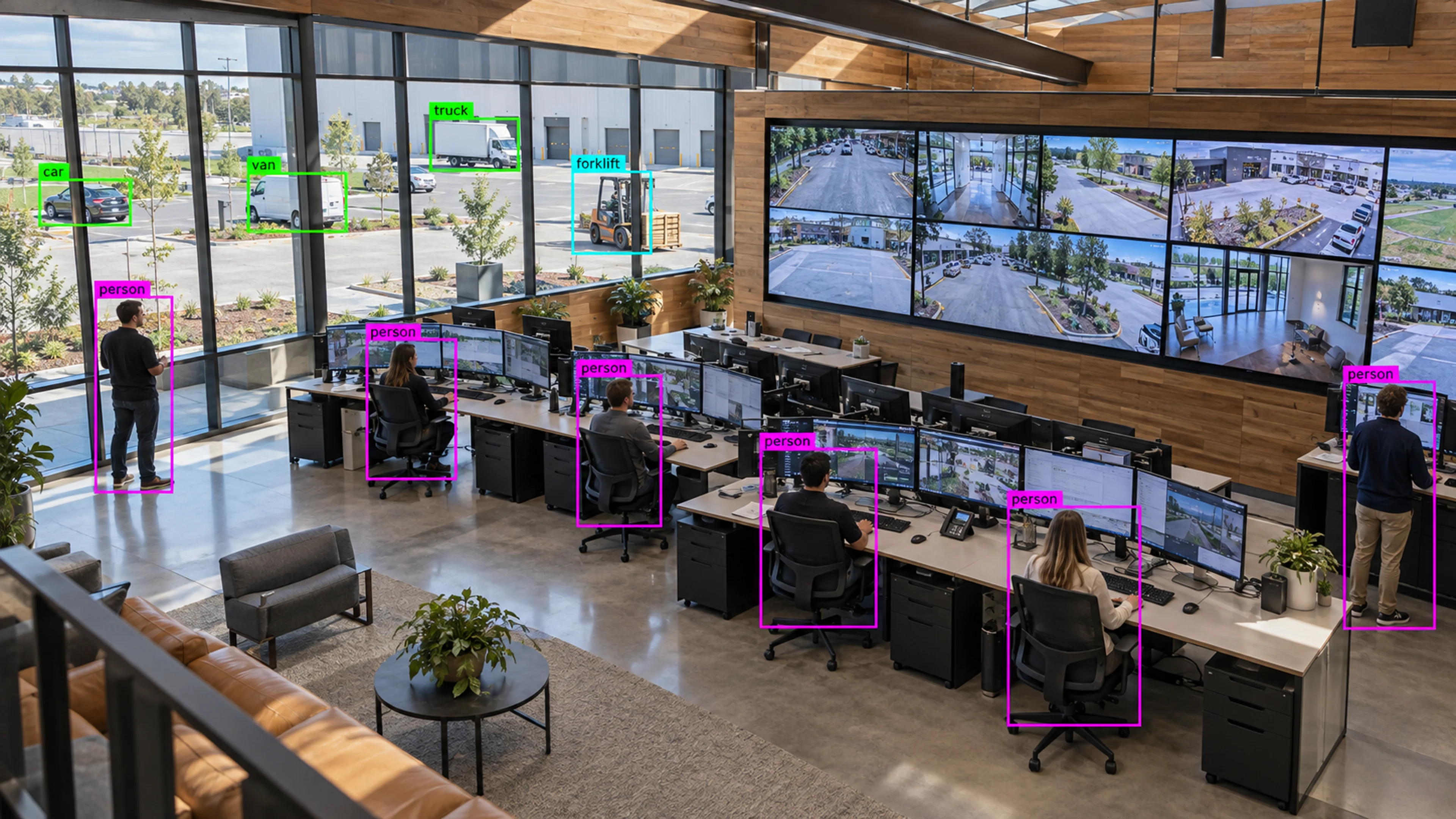
Multi-Site Monitoring gives organisations with many locations a single, consistent view: a hierarchy of regions, sites, areas and cameras, with alerts, health and analytics rolling up at each level.
It is designed for the reality of distributed operations — different buildings, different teams, different camera estates — while keeping rules, permissions and reporting consistent across all of them.
Ten sites should not mean ten systems. One hierarchy, one set of rules, one place to see which location needs attention.
What it does
Each part is configured around your cameras, zones and schedules — the same system, set up for the way your site runs.
Organise cameras into areas, sites and regions. Alerts and health roll up so a regional view shows status without opening every site.
A single view of online, degraded and offline cameras by site, with alerts for outages so coverage gaps are handled proactively.
See which sites have open high-severity incidents right now and drill down to the camera and clip in two clicks.
Compare sites on alert volume, closure time, occupancy and availability, with permissions that keep each team inside its own scope.
In practice
The region view shows two sites with open high-severity incidents and one with three cameras offline. Each is a click away, and the rest of the estate is confirmed quiet.
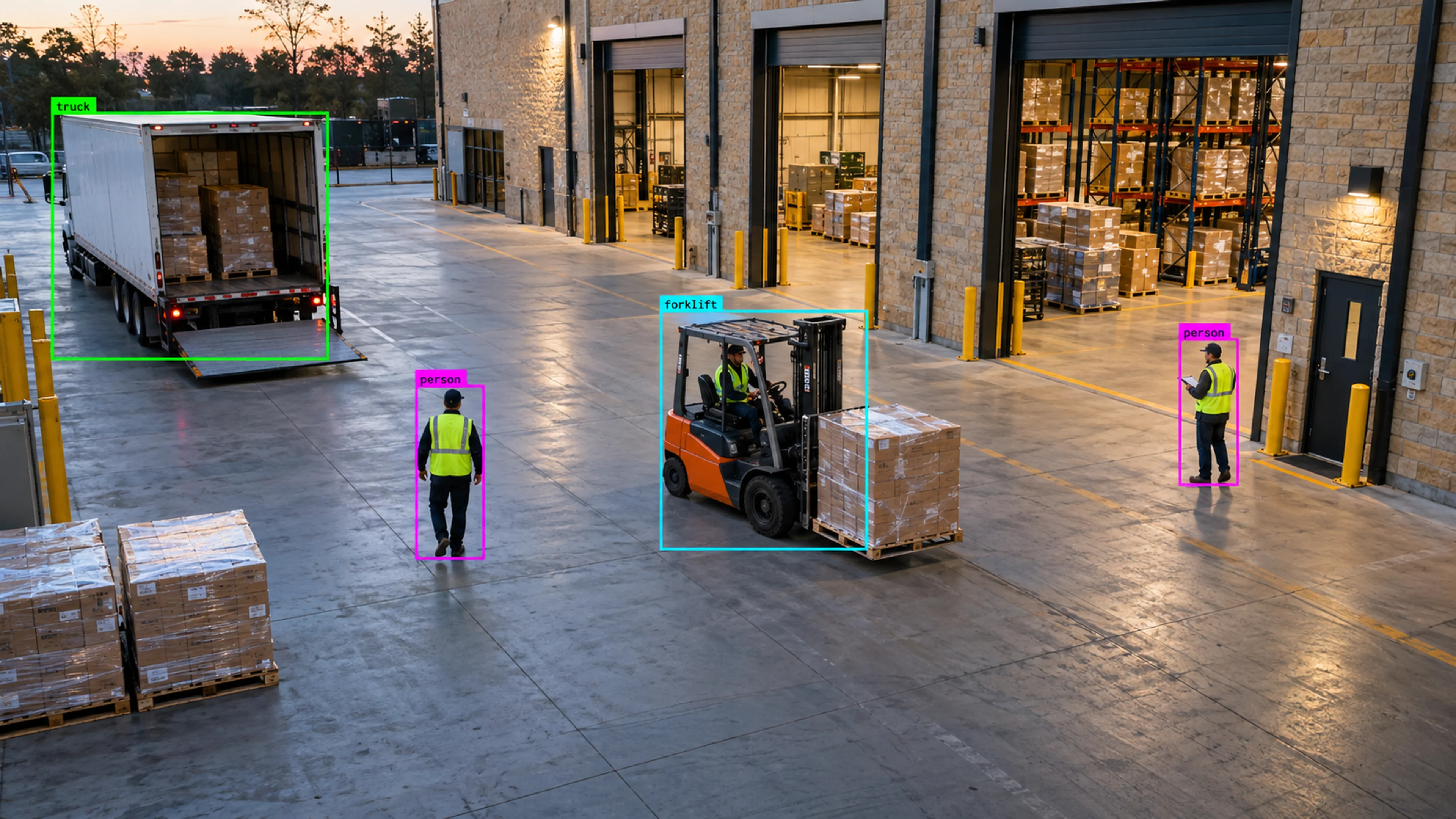
A forklift-proximity rule proven at one site is applied to the warehouse group. Each site inherits the rule with its own zones, and results appear in the group analytics.
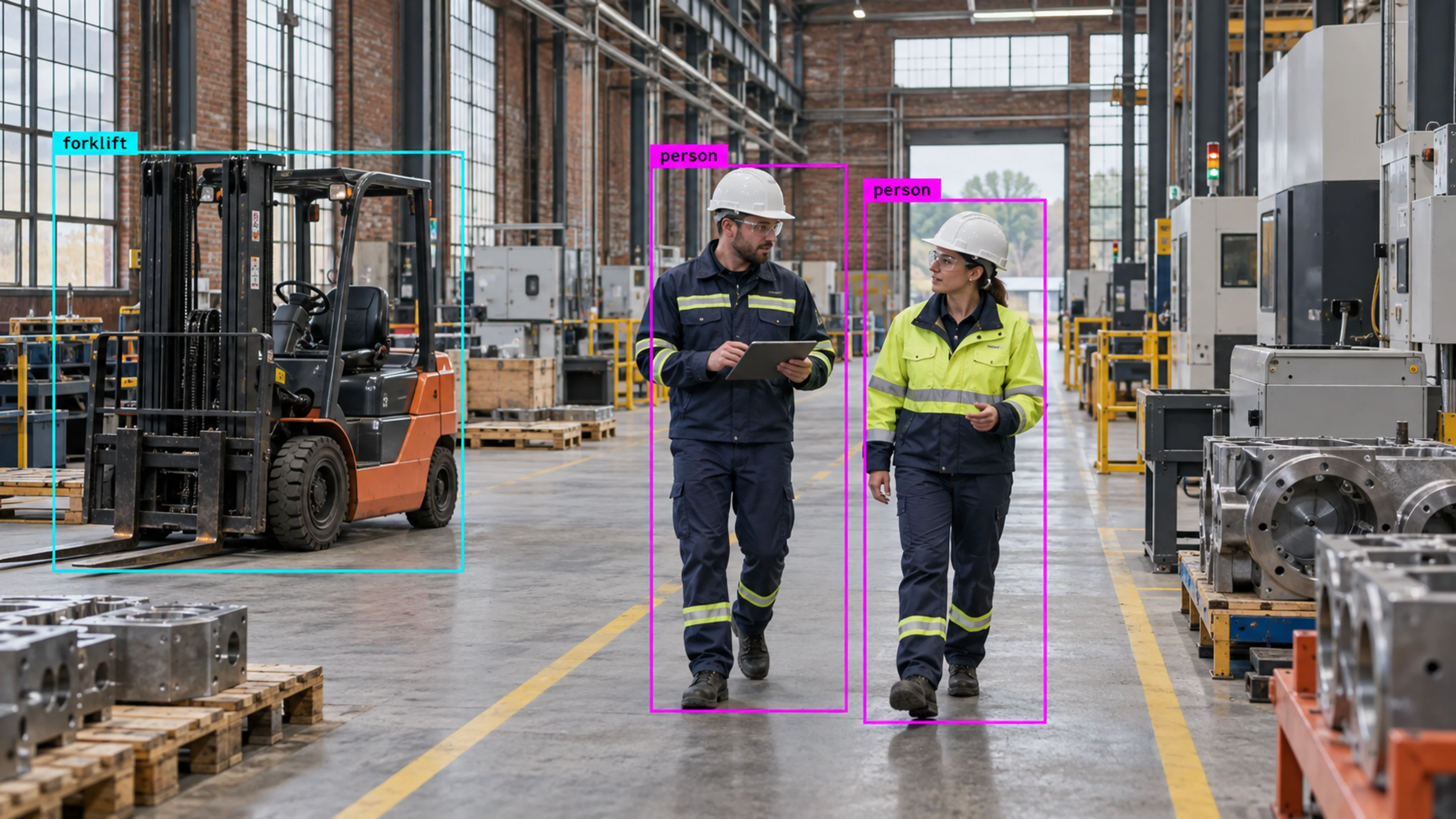
The new site’s cameras are added under the existing hierarchy with the standard permission model, so the local team is working in the same system as everyone else from day one.
Questions
Straight answers about how this is configured, what it needs and what it does not do.
Next step
Tell us about your sites and what you need to catch. We will walk through a setup that fits the way your operation runs.