

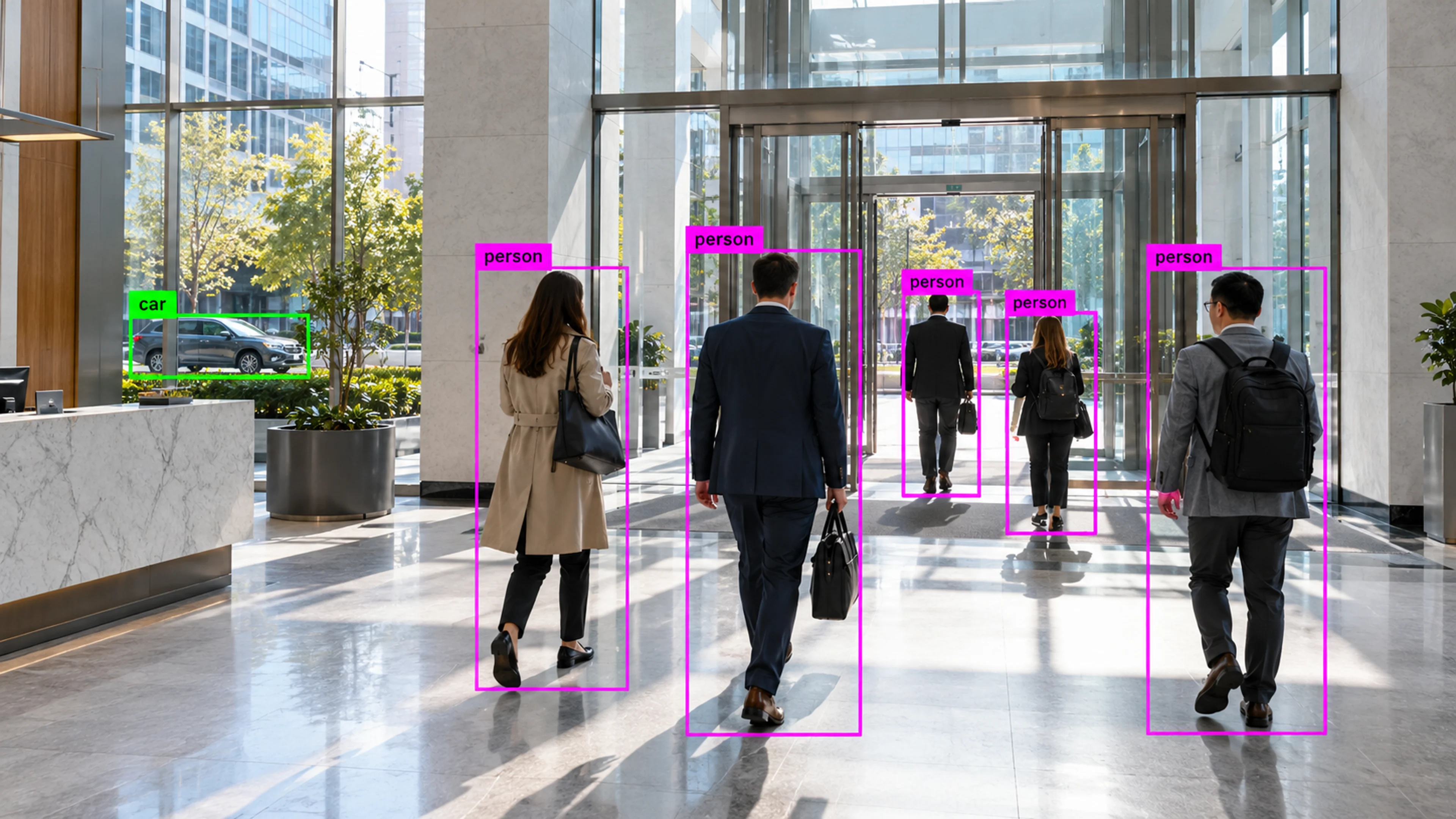
01
After-hours movement in a commercial building
A detection on a quiet floor at night reaches building security with the clip attached. The visitor is confirmed as a contractor and the schedule updated.
Solution
Detect intrusion, after-hours activity, perimeter events, unauthorized access, and abandoned objects.
Security Monitoring
Illustrative environment · Multi-site operations
Overview
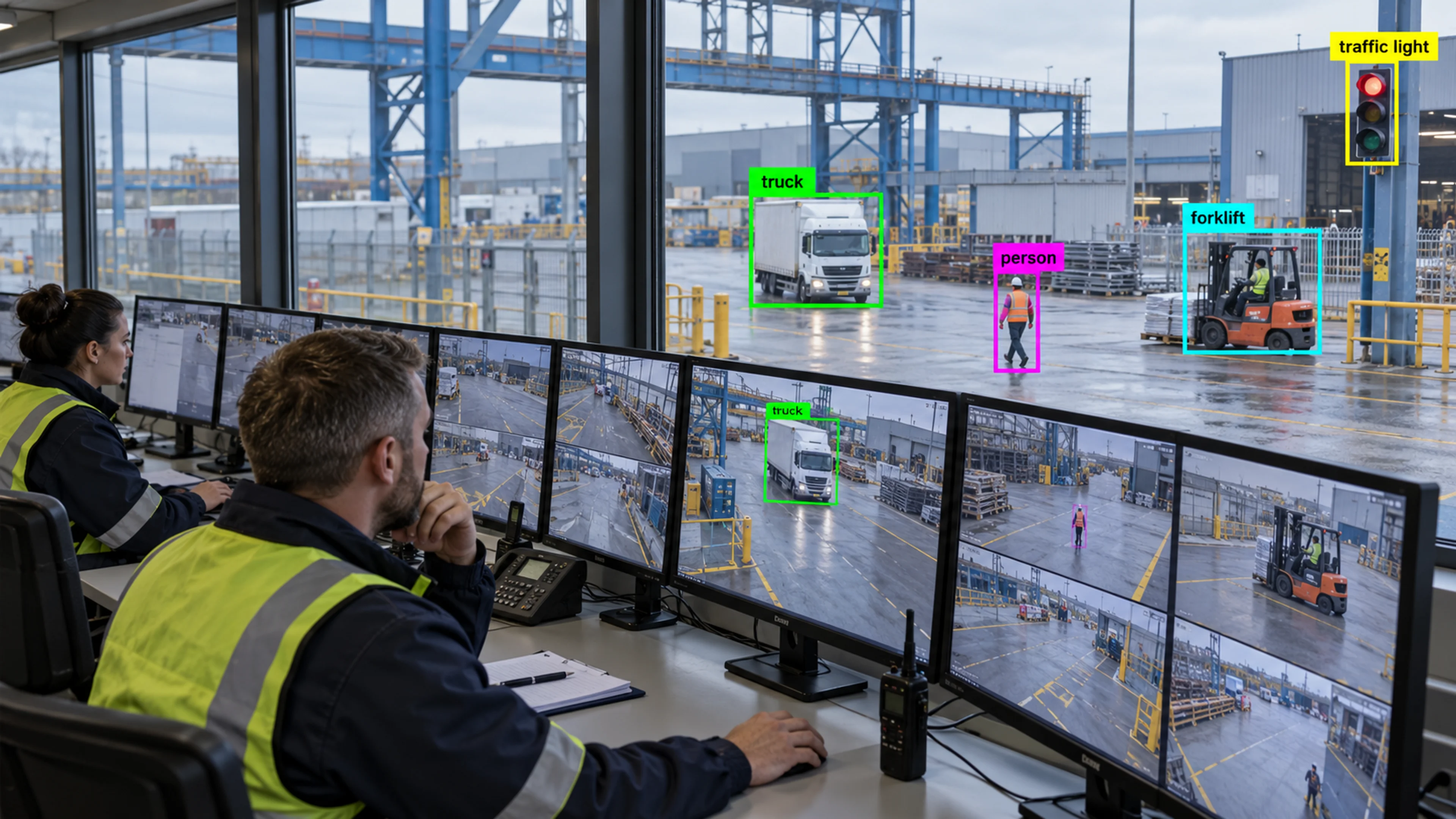
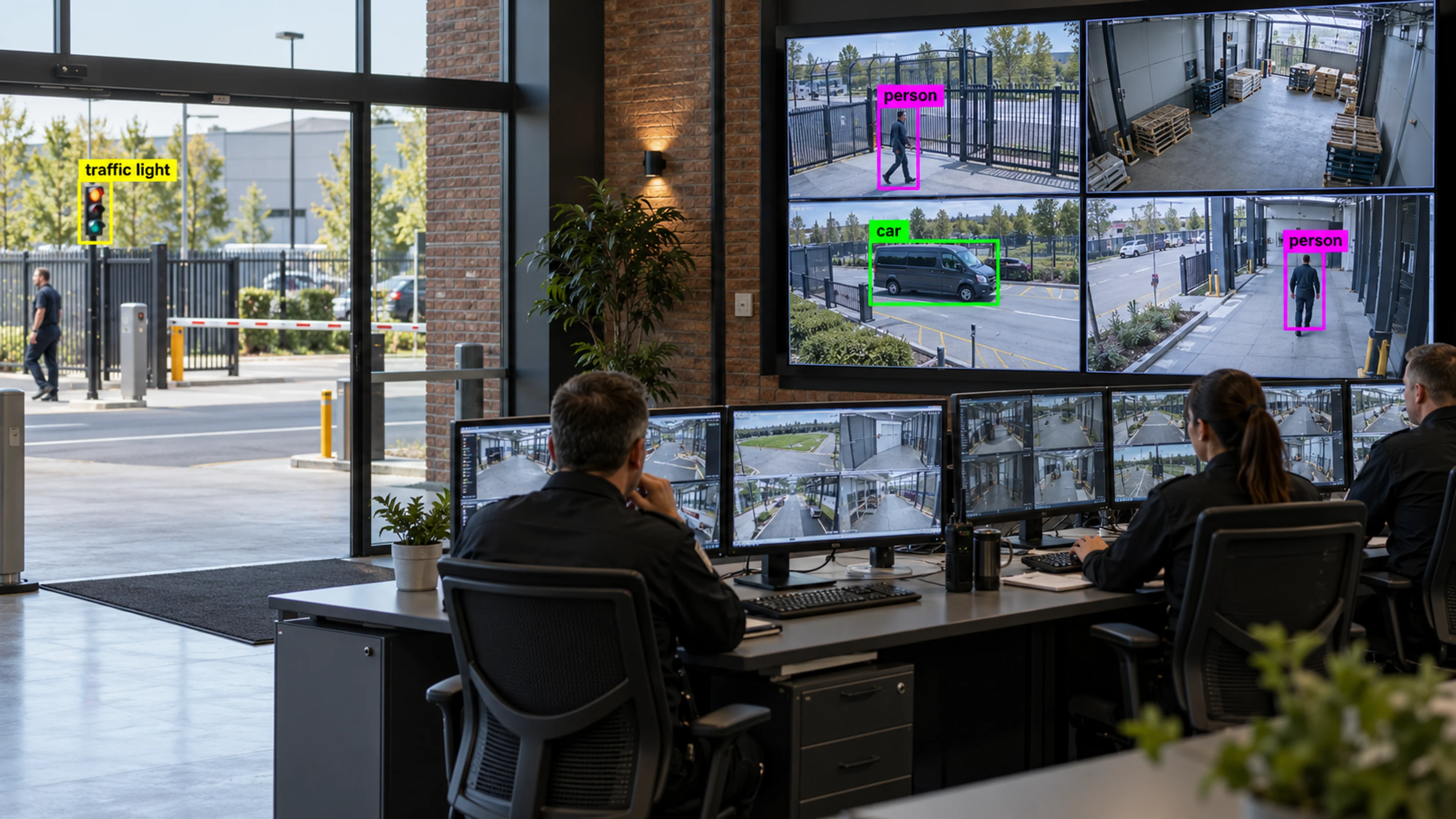
Security Monitoring combines perimeter zones, after-hours rules, restricted-area monitoring and abandoned-object review into a configuration for security teams, with alerts routed to the control room and evidence stored with every incident.
It reduces the need to review footage by surfacing the moments that match a rule, and it keeps an auditable record of how each event was handled.
Security is a question of attention. Visrax points it at the few events that matter.
What it does
Each part is configured around your cameras, zones and schedules — the same system, set up for the way your site runs.
Scheduled rules that flag people and vehicles in areas that should be inactive.
Fence-line, gate and yard zones with approach, crossing and dwell rules.
Restricted rooms and areas monitored for entry outside expected patterns.
Frame, clip and path stored with every alert; assignment and resolution recorded on every incident.
In practice
A detection on a quiet floor at night reaches building security with the clip attached. The visitor is confirmed as a contractor and the schedule updated.
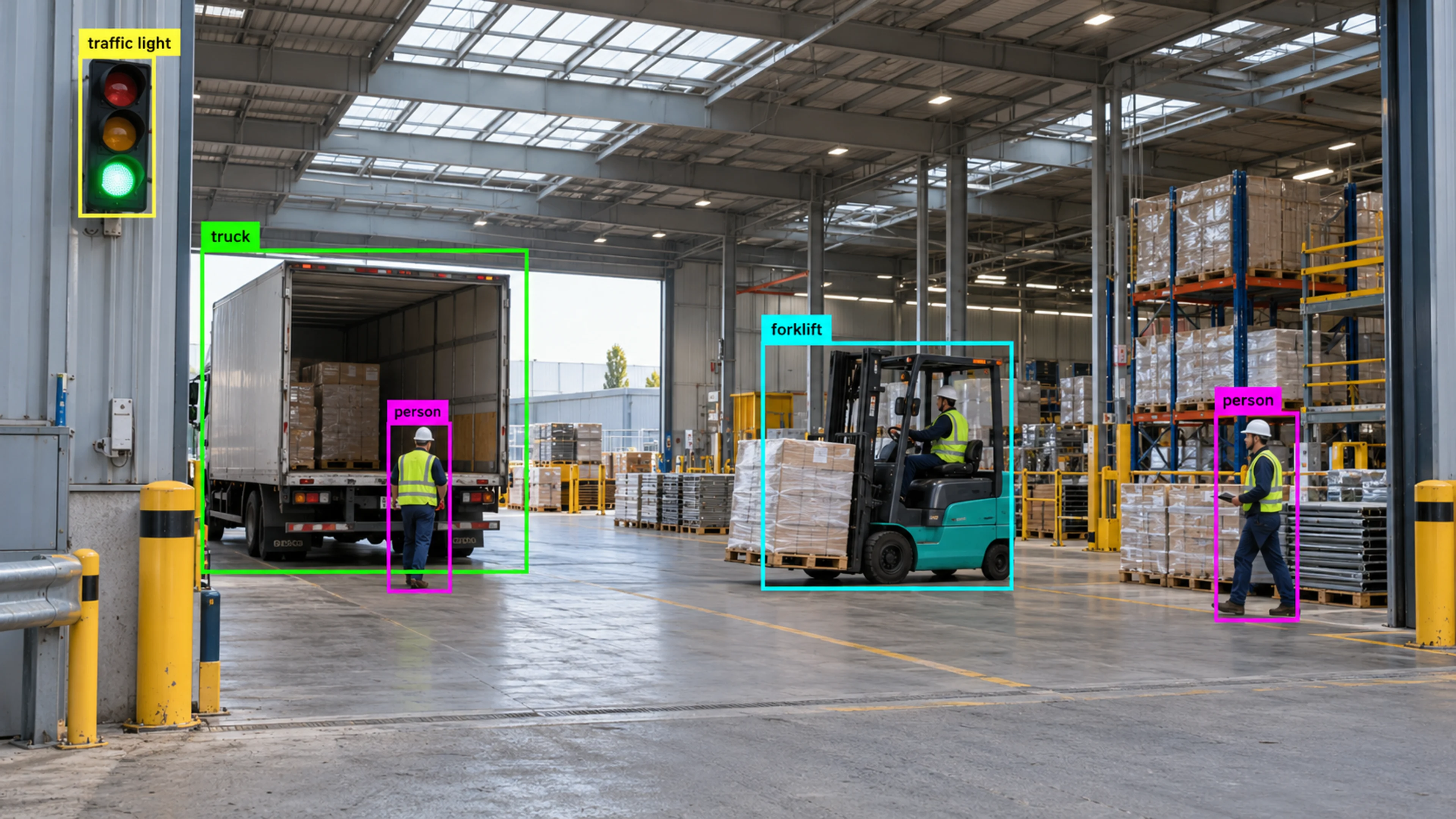
A vehicle dwells at the yard fence after hours. The control room reviews the clip and dispatches a patrol, with the incident closed on their return.
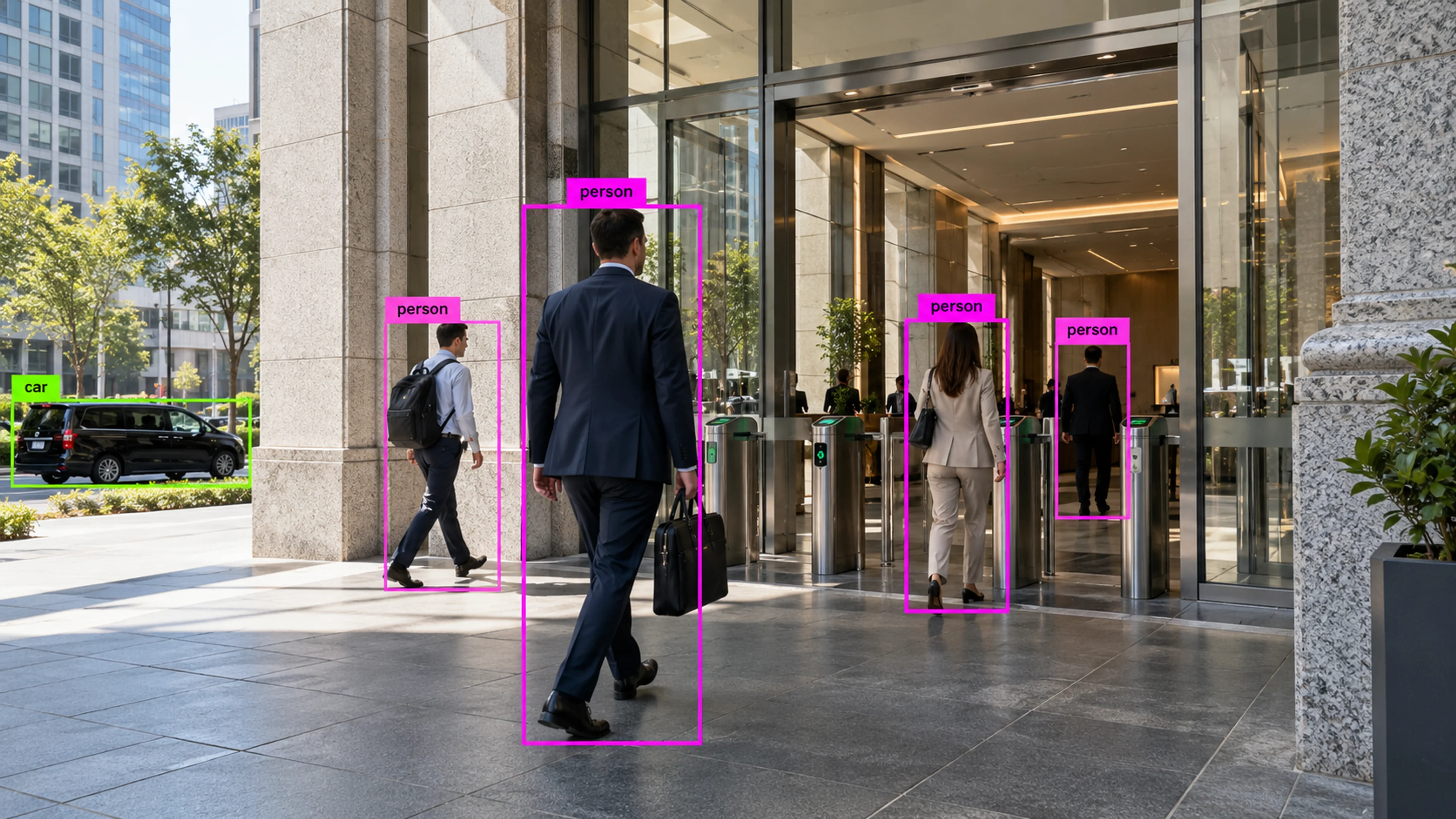
A finance office zone registers an entry at the weekend. The incident is matched to an approved access request and closed with the reference.
Questions
Straight answers about how this is configured, what it needs and what it does not do.
Next step
Tell us about your sites and what you need to catch. We will walk through a setup that fits the way your operation runs.